
Academy
DaVinci Resolve Nodes Free Open Class
A two-hour practical open class designed to help participants understand how DaVinci Resolve nodes work, explore the main node types and build a clear, controlled node structure.
- Format
- In person
- Duration
- 2 hours
- Level
- Beginner
Who it is for
The class is designed for beginner colorists, editors, cinematographers, filmmakers and anyone who wants to understand the logic and structure of nodes in DaVinci Resolve.
What you will come away with
Understand image and key signal flow through a node graph Build a clean and readable node tree Recognize the difference between serial and parallel structures Work with a Parallel Mixer Understand Layer Mixer priority and compositing logic Use an Outside Node to affect areas outside a selection Choose the right node structure for a specific task Avoid common beginner mistakes when building node trees
Syllabus
-
01 Introduction to Kelvin Film Lab
Kelvin Film Lab’s work, professional post-production workflow and the educational direction of Kelvin Film Lab Academy.
-
02 DaVinci Resolve and the Color Page
An introduction to DaVinci Resolve, the Color page and the role of the Node Editor in professional color grading.
-
03 Understanding How Nodes Work
What a node is, how the image moves through a node graph and how RGB and Key connections operate.
-
04 Main Node Types
An introduction to Serial, Parallel, Layer, Outside, Shared, Compound, Key Mixer and RGB Splitter/Combiner nodes.
-
05 Parallel Mixer, Layer Mixer and Outside Node
The differences between these structures, their advantages and the situations in which each one should be used.
-
06 Practical Demonstration
Building a clear node tree from scratch on real footage and selecting the appropriate nodes for different grading tasks.
-
07 Questions and Answers
Participant questions, a short recap and a surprise from Kelvin Film Lab.
Before and after
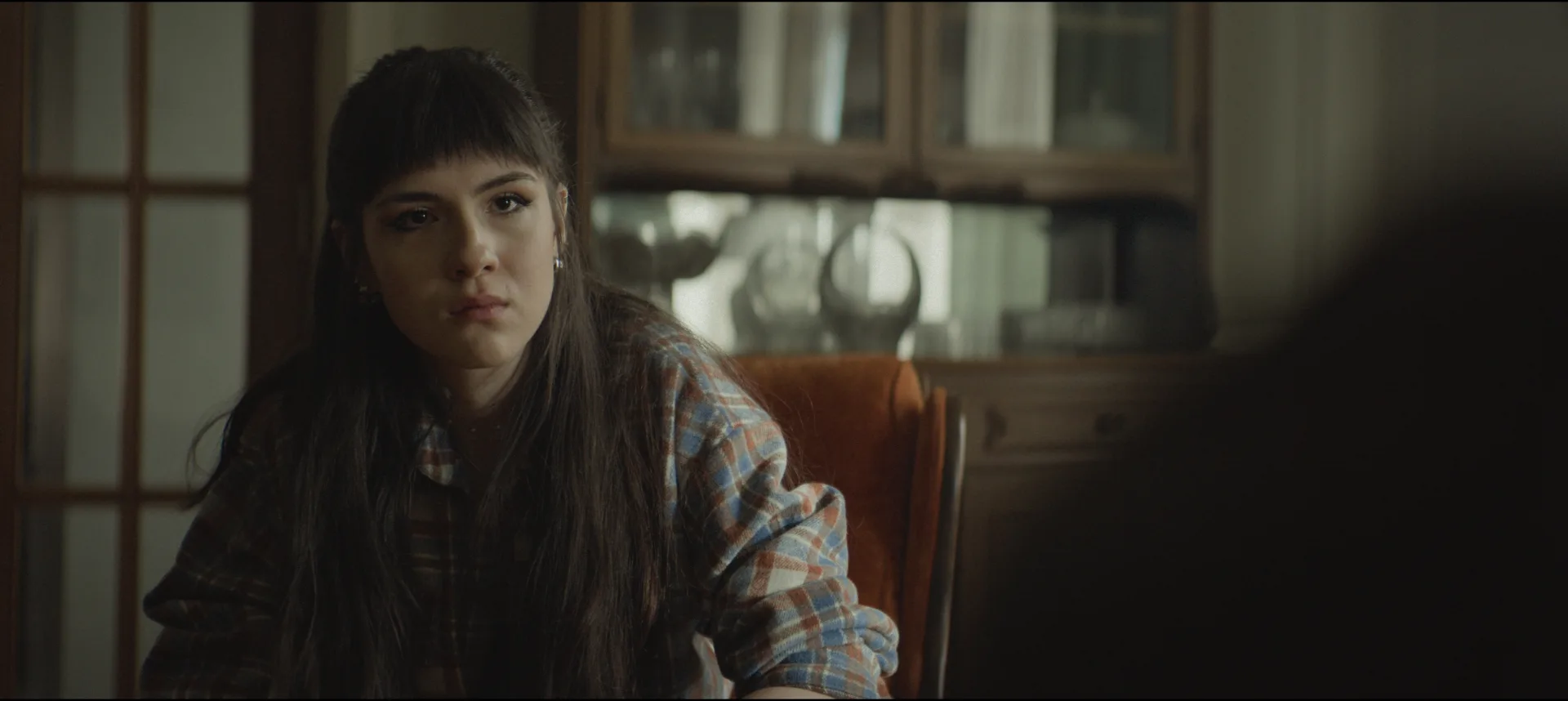 After
After
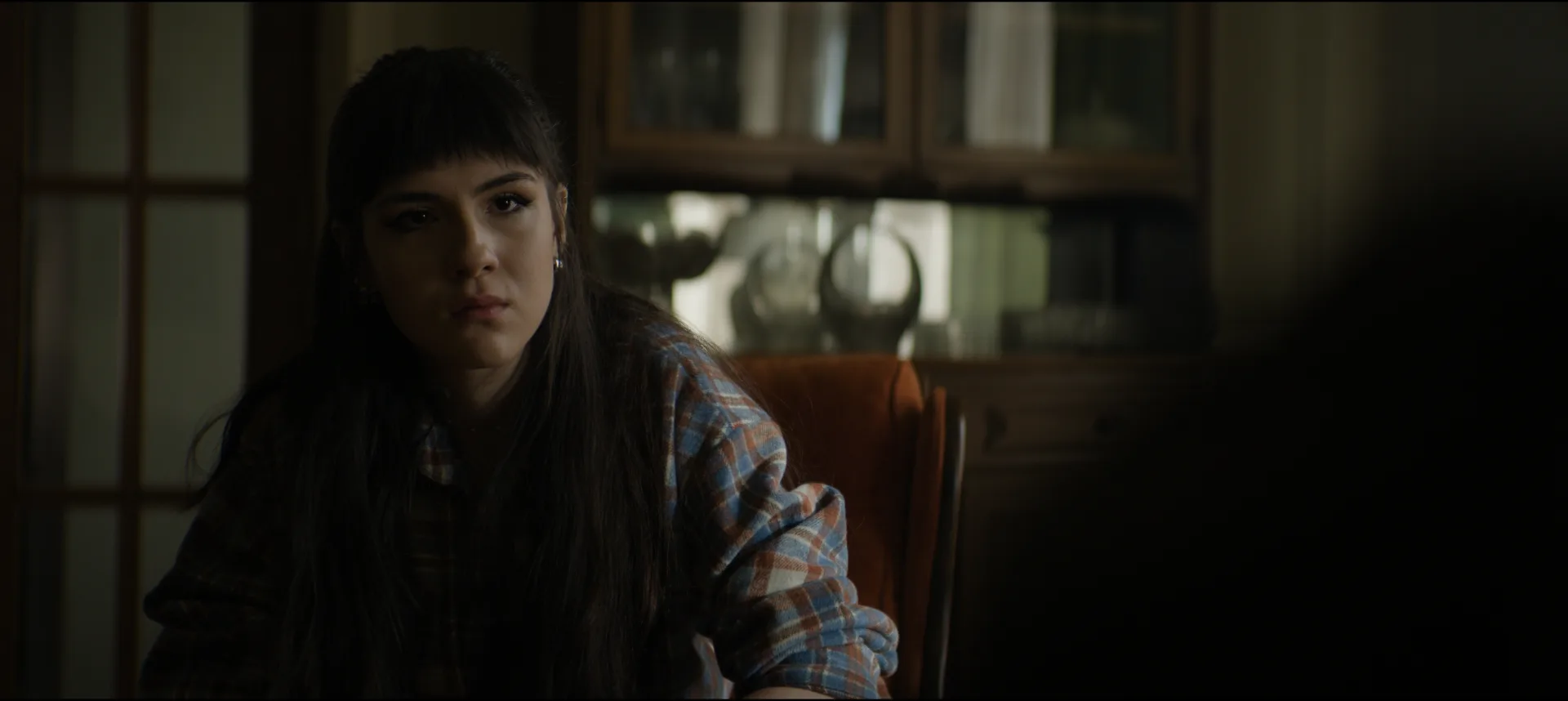 Before
Instructors
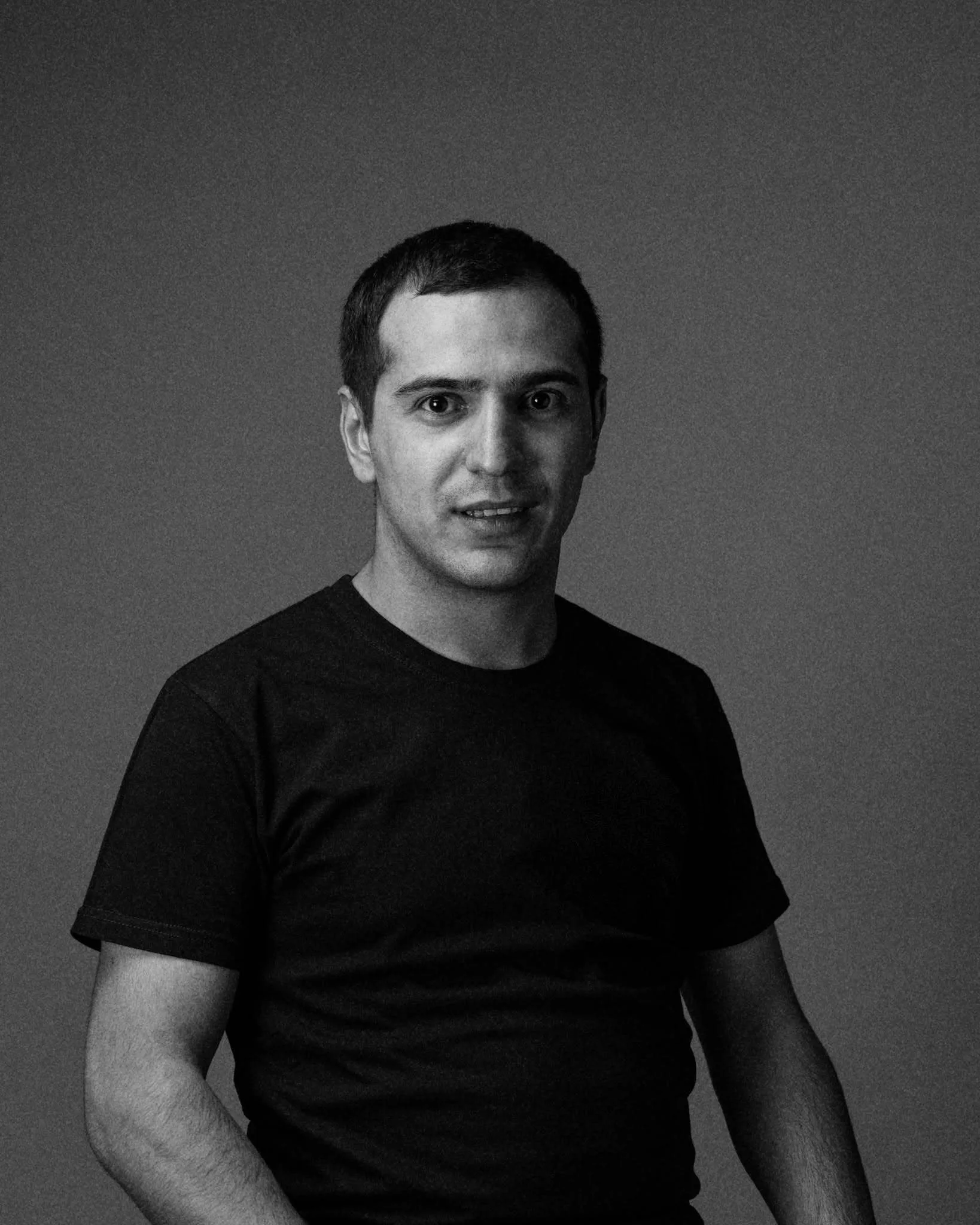
Mkhitar Serobyan
Cinematographer · Editor · Colorist · Trainer
Mkhitar Serobyan is a cinematographer, editor, colorist and founder of Kelvin Film Lab. He works across feature and documentary films, series, music videos and branded projects, guiding the image from set through final delivery. As a certified DaVinci Resolve trainer, he teaches through a practical approach based on real projects, professional workflows and the challenges encountered in film post-production.
Selected work The Saint 3, Round, Try Again, The Road, Good Day 2, Delete
Practical work
Software and tools
Basic familiarity with DaVinci Resolve and the Color page is recommended. Previous professional color grading experience is not required.
Practical work
To help participants move beyond memorizing node names and begin understanding how nodes work, interact and form a controlled grading structure.
Final project
Read and understand a node graph Recognize the main node types Understand the logic of node connections Choose the right structure for different grading tasks Organize your work in a cleaner and more controlled way
What you need to know first
Corrector / Serial Node Parallel Structure and Parallel Mixer Layer Mixer Outside Node Shared Node Compound Node Key Mixer RGB Splitter and RGB Combiner
Ready to begin
A two-hour practical open class designed to help participants understand how DaVinci Resolve nodes work, explore the main node types and build a clear, controlled node structure.