Academy
Editing and Color Grading in DaVinci Resolve
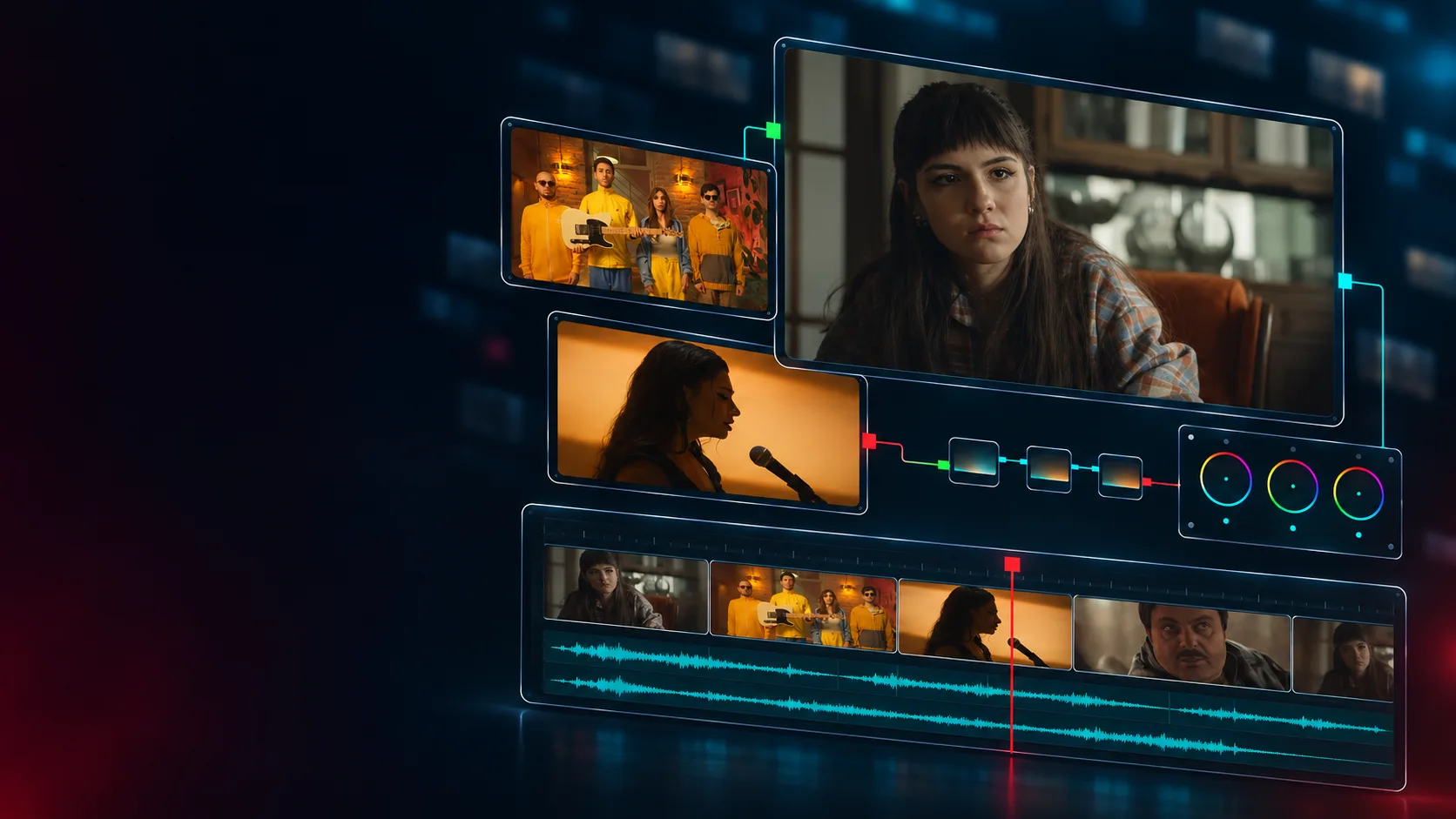
A three-month, in-person course in Yerevan—from raw footage to a finished video. Learn editing and color grading through real projects in a group of up to 3. Get lesson recordings and one year of professional mentorship after the course.
- Format
- In person
- Duration
- 3 months
- Starts
- 25 November 2026
- Level
- Beginner
2 seats left
Who it is for
This course is for you if you want to learn editing and color grading from scratch or build on your existing skills with a structured approach. No professional experience is required—just a willingness to learn and make time for hands-on practice.
What you will come away with
By the end of the course, you’ll be able to organize your footage independently, create a story-driven edit, and work with sound and color. You’ll learn to prepare and export a finished video with titles and subtitles, while keeping your project organized for future revisions.
Syllabus
-
01 Media Organization and Project Setup
Build a reliable workflow before you begin editing. Organize files, understand backup principles, configure the project, synchronize picture and sound, and work with proxies. Practice: prepare real project footage for editing. Outcome: establish a clear media structure and a project that is ready to edit and straightforward to relink when needed.
-
02 Editing Tools and Timeline Organization
Learn to work confidently in DaVinci Resolve’s editing environment. Use selection, assembly, and trimming tools while maintaining picture-and-sound relationships and an organized timeline. Practice: build your first edit from selected footage. Outcome: revise shot duration and order without losing control of the timeline.
-
03 Editing Decisions: Story, Selection, and Rhythm
Understand why a shot appears at a particular moment and how long it needs to last. Work with action, dialogue, eyelines, and scene rhythm to make choices that serve the story. Practice: edit the same scene with different rhythms and compare their impact. Outcome: explain how shot selection and cut timing change a scene’s meaning and emotional effect.
-
04 Dialogue, Music, and Sound Structure
Build a sound foundation that holds the scene together. Work with dialogue, ambience, and music, adjusting levels, transitions, and basic cleanup. Practice: develop the sound layers of an edited scene. Outcome: maintain intelligible dialogue, controlled transitions, and music that supports the scene without masking important information.
-
05 Color Management and Image Balancing
Prepare the image for grading. Explore the basic principles of color spaces and color management, then adjust exposure, white balance, contrast, and saturation. Practice: balance shots with different lighting conditions and check your decisions using scopes. Outcome: establish a controlled foundation for further grading while preserving available image detail.
-
06 Node Structure and Local Color Adjustments
Organize corrections within a clear node structure. Use Curves, Qualifiers, Power Windows, and Tracking to work with skin tones, selected colors, and specific areas of the frame. Practice: refine a selected area and check the correction through movement. Outcome: give nodes clear functions and create local adjustments with natural transitions.
-
07 Shot Matching and Look Development
Bring individually graded shots into one visual story. Choose a reference shot, match exposure and color differences, and develop a look that supports the scene’s mood. Practice: match the complete scene and apply your chosen visual approach. Outcome: avoid unintended color jumps between cuts and maintain a look that works across the sequence.
-
08 Final Project, Review, and Delivery
Bring editing, sound, and color together in one finished project. Add the necessary titles and subtitles, review the complete video, configure the export, and prepare the project archive. Practice: present your work, receive feedback, and make final revisions. Outcome: deliver a checked video and an organized project with the media and settings needed for future revisions.
Instructors
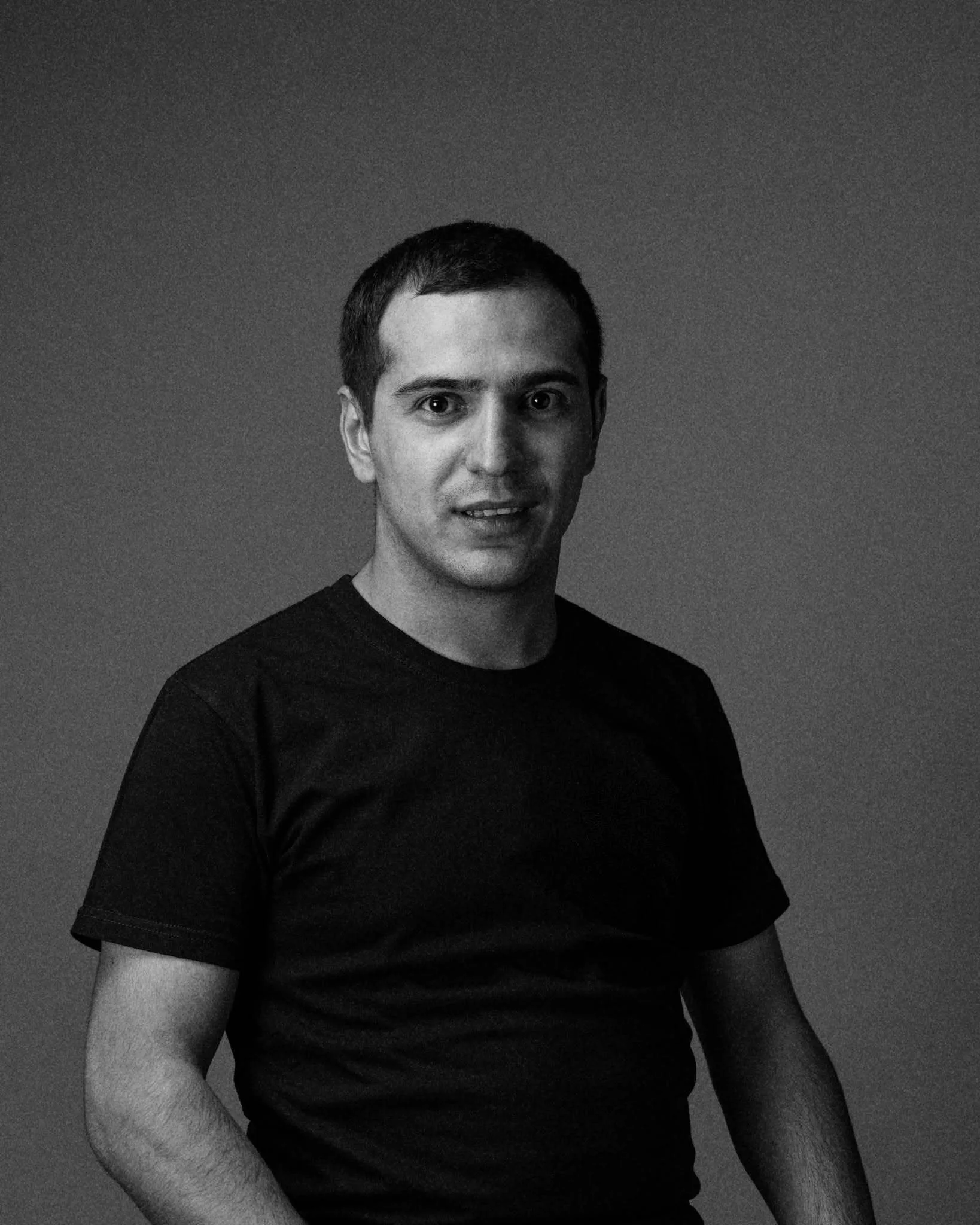
Mkhitar Serobyan
Cinematographer · Editor · Colorist · Trainer
Mkhitar Serobyan is a certified DaVinci Resolve trainer, cinematographer, editor, and colorist with experience in feature and documentary films. You’ll work with footage from real Kelvin Film Lab projects, learning the tools, the workflow, and the reasoning behind editing and color decisions.
Selected work The Saint 3, Round, Try Again, The Road, Good Day 2, Delete
Practical work
Software and tools
Learn the tools in DaVinci Resolve’s Media, Edit, Color, and Deliver pages—from organizing footage to editing, basic audio processing, color grading, and final export.
Practical work
Edit scenes, work with dialogue and music, and match colors between shots. We’ll review each assignment together to understand what works and how to improve the result.
Final project
Create a finished video with editing, basic sound work, and color grading. Receive feedback, refine your work, and deliver the final video alongside an organized project.
What you need to know first
No editing or color-grading experience is required. Basic computer skills are enough. A personal computer is required for classes and independent practice.
Format and price
- Format
- In person
- Level
- Beginner
- Duration
- 3 months
- Certificate
- Participants who complete the course and submit the final project receive a Kelvin Film Lab certificate of completion.
Upcoming groups
Group 3 · November 2026
Starts 25 November 2026
Schedule 2 classes per week
AMD 120,000 / month
2 seats left
Other courses
Enrolment open
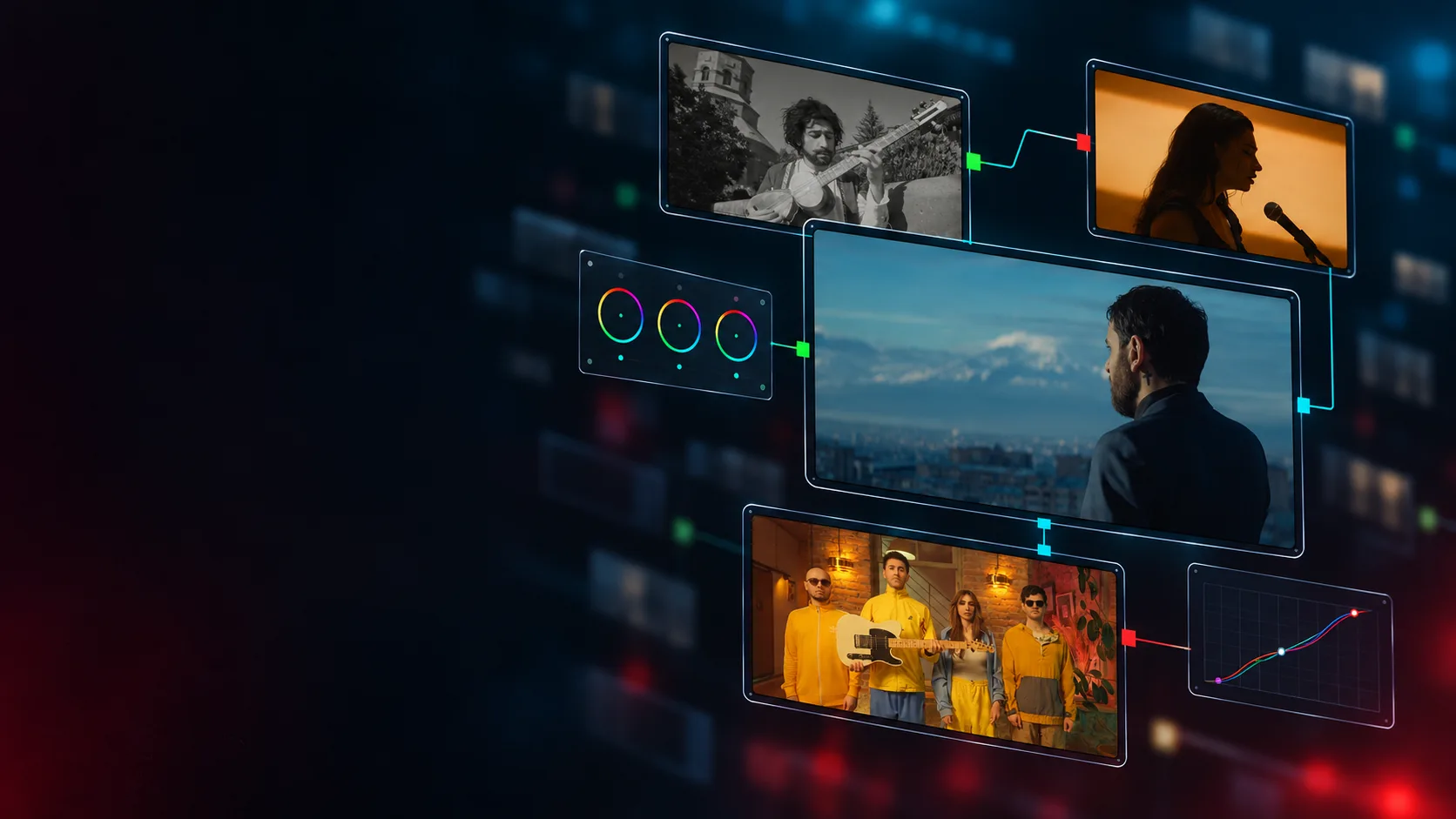
Advanced Color Grading in DaVinci Resolve
Turn beautiful shots into a cohesive visual story. Learn to control color, match shots, and develop a look that serves the project—all through hands-on work with real footage. A practical course at Kelvin Film Lab with DaVinci Resolve Certified Trainer Mkhitar Serobyan.
Intermediate In person 12 week
Starts 25 November 2026 Price AMD 120,000 / month 3 seats left
Ready to begin
A three-month, in-person course in Yerevan—from raw footage to a finished video. Learn editing and color grading through real projects in a group of up to 3. Get lesson recordings and one year of professional mentorship after the course.